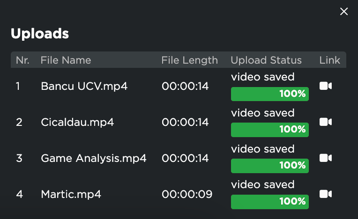
When you are uploading a new video in the Video Gallery section, you have the option of linking the specific video to either a game event or a training event.
Game Event:
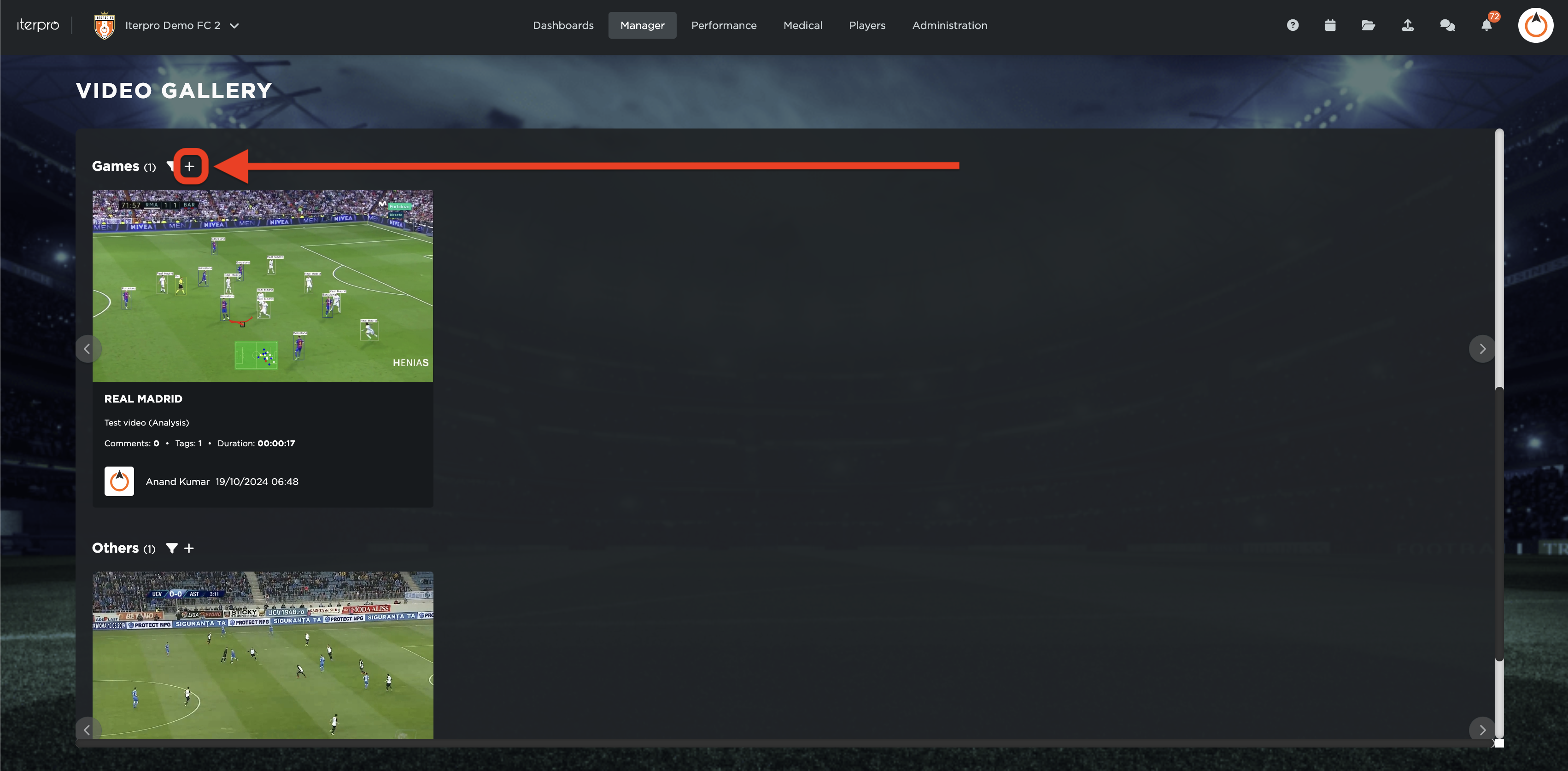
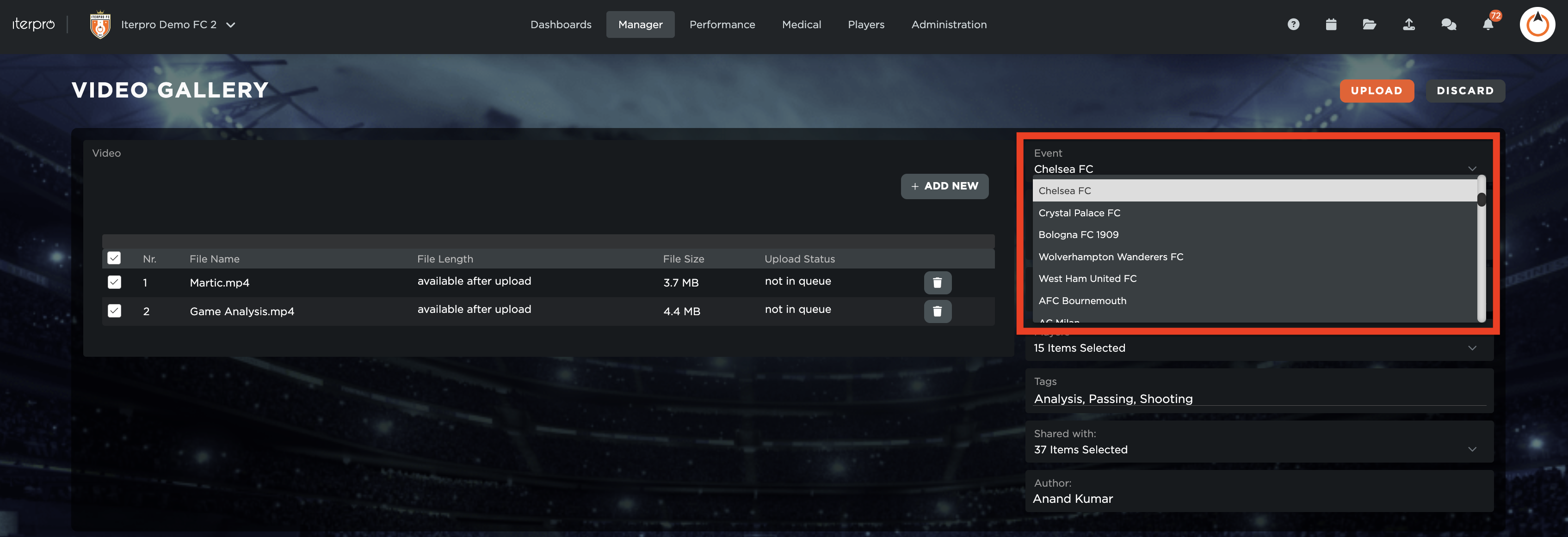
Once you add a video and select the relevant file(s) you wish you upload, you have the option to link the chosen video(s) to a specific game event from the planned games list.
Training Event:
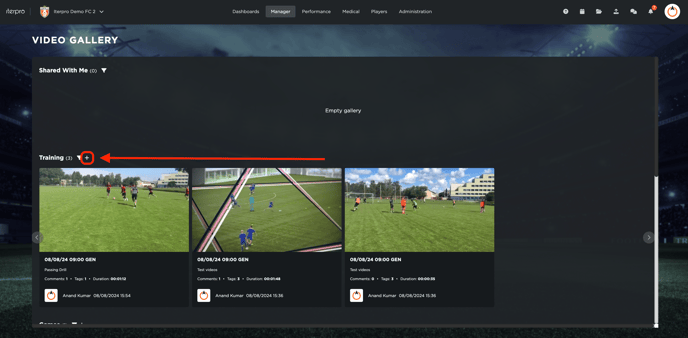
Once you add a video and select the relevant file(s) you wish you upload, you have the option to link the chosen video(s) to a specific training event from the planned training events list.
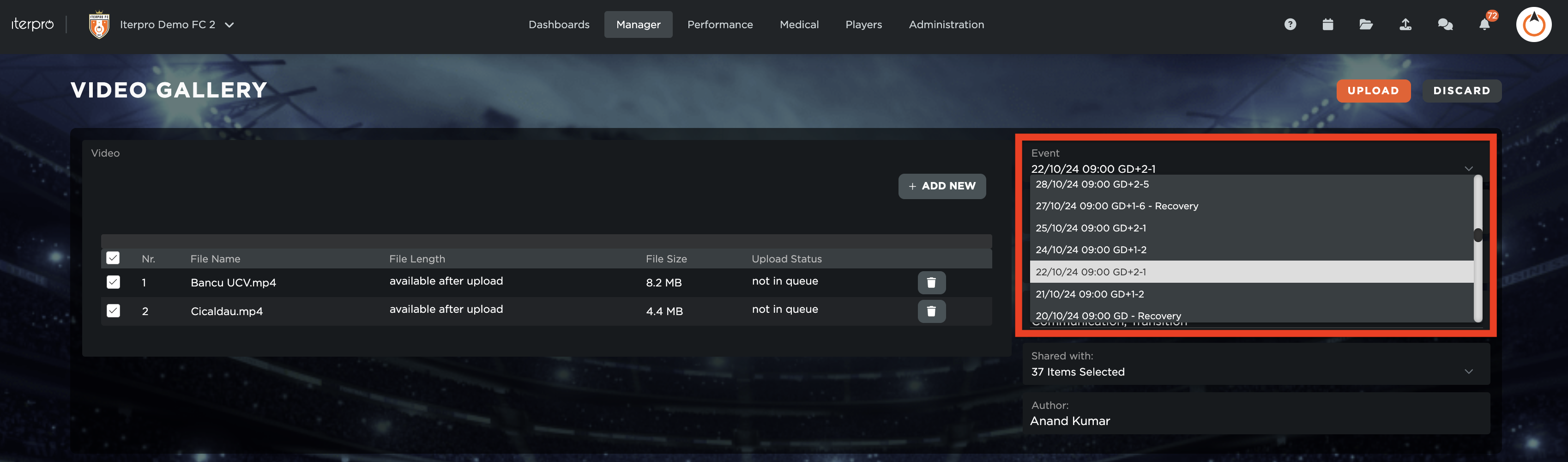
Once the game event has been selected, you can fill out the rest of the information and finally click on the  button to complete uploading the video(s). Once uploaded, you will receive confirmation messages on the bottom right of the screen that the video(s) have been successfully uploaded.