
Treatments - Unified view of all 3 types of treatments
With the new version 1.72 of the Iterpro software you will now see a brand new combined view of the treatments dashboard in both ‘Medical Records’ & the ‘Infirmary’. In this unified table, you will be able to perform exactly the same process as before, only now you can have a much more clear view of the treatment landscape.

On top of that, you can filter and sort the treatments as you want giving you the option to look exactly for what you are looking for.

This unified view will also allow you to add multiple records of all 3 types of treatments from a single modal, accessed as before, from the top right of the treatments dashboard.

Infirmary - New body chart in the injury details
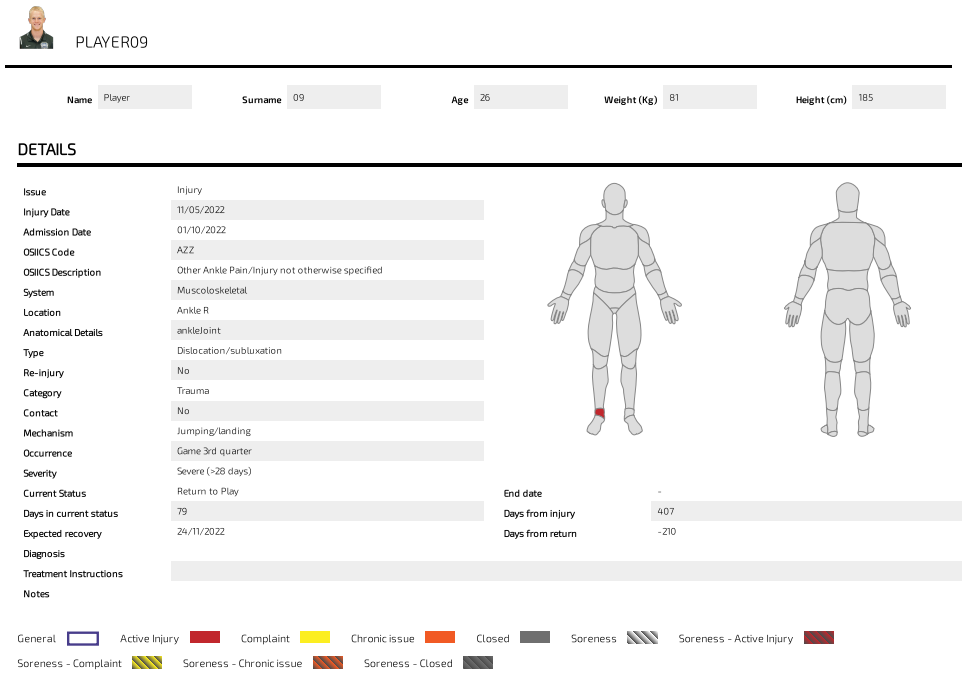
Also in this new version, we have now added the body chart in the injury details of the infirmary, displaying the injury that was active during the day the player was admitted into the infirmary.
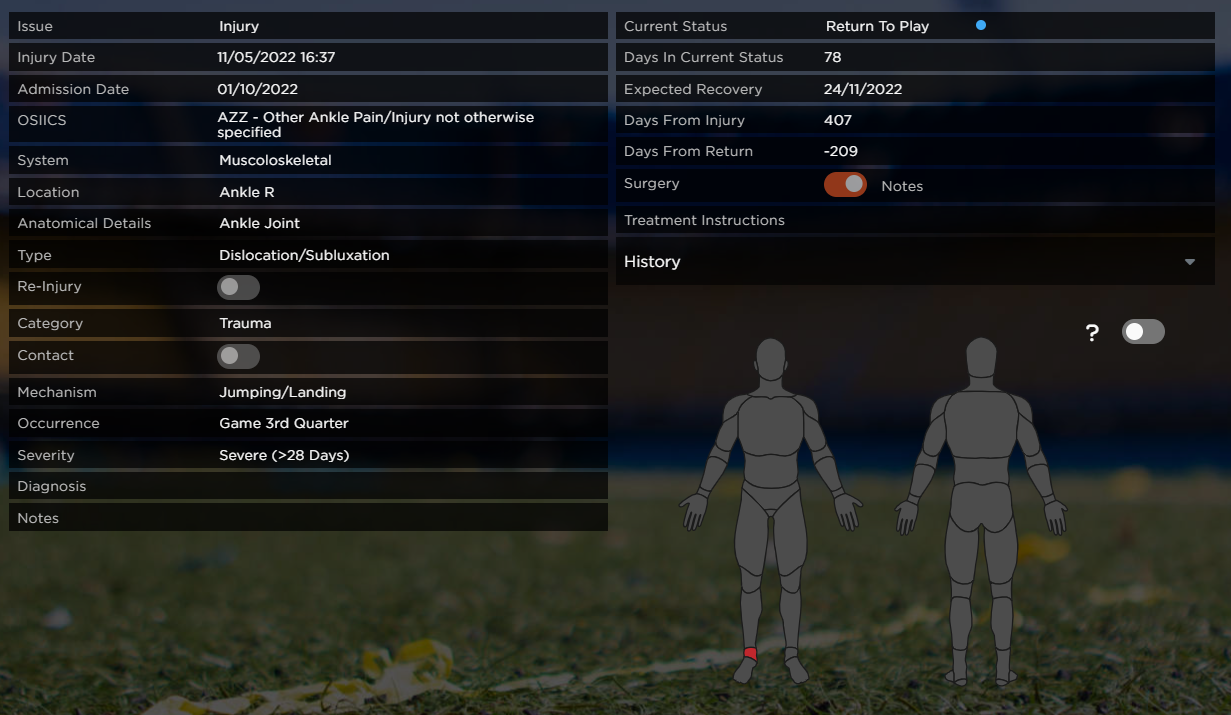
This new addition translates into the PDF export of that particular section which is also a new and improved version.
Medical - Attaching a file to a treatment, or assessment, you have the option to view it in the medical event linked to that record
If you attach a file on the individual treatment in Infirmary & Medical Records, or on the individual record in Assessment (Medical Records), you will now be able to preview it on the related event on planning.

Planning - New redirect from medical treatments events to ‘Medical Records/ Treatments’
We now have a new icon feature on the taskbar of all medical treatments in the calendar, from where you can redirect straight to the treatments section of ‘Medical Records’.

Planning/ Treatment event - The player picture has been moved to the top left side and the name just on the right of it

Planning - 'Assessment' event's name has been changed to 'Assessments & Examinations'

Planning - Medical/ Assessment type events title changes
On the calendar dashboard, you will now see as a title only the type of treatment or assessment performed (S&C, Physiotherapy, MRI, etc), and not the event format (treatment-assessment)

Manager/ Planning - Added redirect from training & game events to import data dashboard
On both training & game events, you will now see the redirect to the import data dashboard in the taskbar on the top right of the event’s details.
Planning - Added drills duration field and adjusted titles

Redirect from Attendance to Planning
Clicking on the top of the day column, right on the day numbering, you will be redirected to the daily view of the planning section, on that particular date.

Session Analysis - Added report metrics multi-select
In Session Analysis, you will now have the option to select the metrics that you would like to include in the PDF export table.

Scouting - Showing names of the players on the event tooltip instead of 'x players selected'

Scouting - In the game report added a new ‘Notes’ section
With the new update, you will now see a new area in the game report where you can keep general notes about that game.
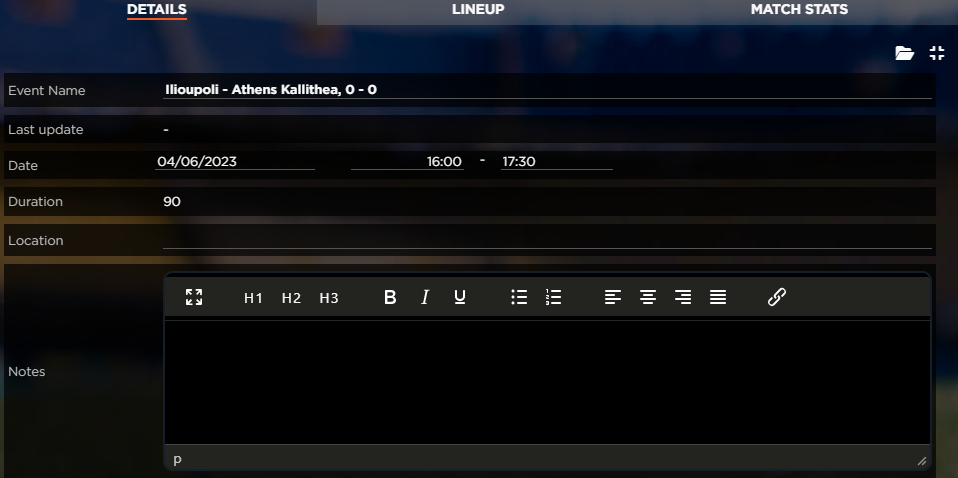
Scouting/ Game report - Email reminder: We are now displaying the hour of the game considering the time zone of the computer & the location of the game

Scouting/ Game Reports - Set the game "Completed" once all individual reports are completed
In Scouting/ Game Reports, as soon as all the individual player reports are marked as completed, the general game report will be marked as completed also.

Squads - New advice message for when club season is not set

Preferences
- Separated Drill Technical Goals and Player Profile Attributes, making the first limitless and the second adjusted to a limit of 6-10 metrics per category (OFF, DEF, ATT)
In this new version, you will also experience a new quite important change in the preferences section. The drill technical goals and player profile attributes are now separated making it easier for you to select the metrics you want for both.
Drill technical goals have been made limitless so you can add as many goals as you want to have them available in the drill profile settings,

On the other hand, the player profile attributes have been adjusted with a limit of 6-10 for each category, Offensive, Defensive & Attitude.

New Text editor
