
FEATURES DESCRIPTION
In this video, we show you how to log into Sports Analysis TV by Iterpro and how to update your profile information.
At the beginning, you’ll find a link to access Sports Analysis TV. Your login credentials (email and password) will be provided by the Iterpro Support Team. Once you receive them, simply enter your email and password in the dedicated fields and click on Login.

After successfully logging in, click on the menu icon and then select "Profile".
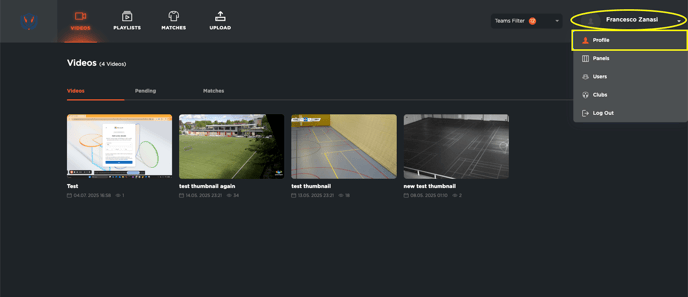
In the Profile section, you can:
-
Upload a profile picture
-
Edit your first name and last name
-
Select your continent
-
Add your phone number
-
Choose your preferred language
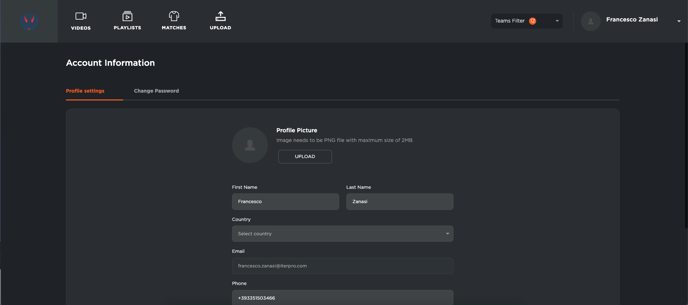
To save the changes, click on the Save button.
You can also change your password from this section if needed.