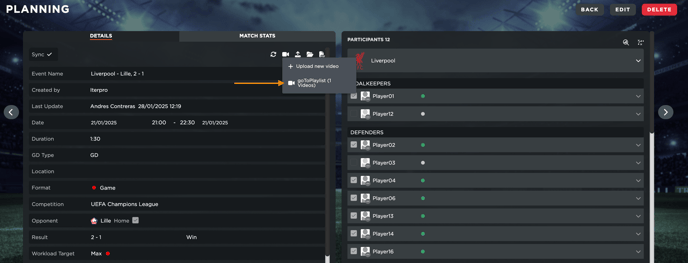
Adding videos directly to your games or training sessions in the planning calendar is quick and simple. Start by clicking on the camera icon located at the top of the details panel within your session. From there, select ‘Upload New Video’.
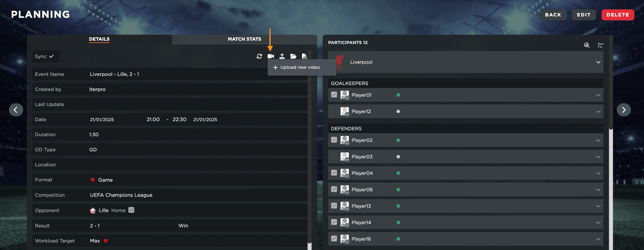
This action will redirect you to your video gallery dashboard, where you can import the desired video file. Once uploaded, you can provide essential details for the session, such as the video title, description, and tags. Additionally, you can assign specific players and staff members to share the video with, ensuring everyone stays informed and prepared. Finally, you will just have to click on 'Upload' to finalize the operation.
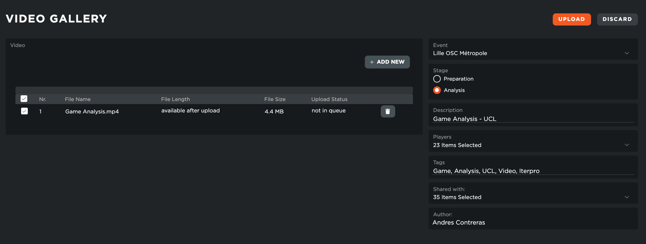
After saving, the video will be linked to your session and easily accessible for review, being visible both inside the Video Gallery section, as well as inside the specific event in Planning and/or Tactics (if it was a game video).