
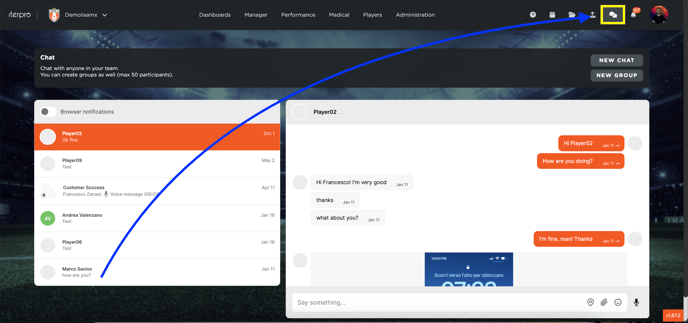
The users can access the chatting tool by clicking on the chat icon in the top-right corner of the screen.
In this section, the user can send messages to any other user who is using the WebApp, CoachApp, PlayerApp and DirectorApp. Note that private chat or group chat can be created, with the possibility to share the position, any attachments and send vocal messages.