
When you access the Planning section (Player view) in Manager, take into account that you may decide the range time to display in the tab, so that you can focus on the area of the day you need (e.g. from 8:00 to 17:00).
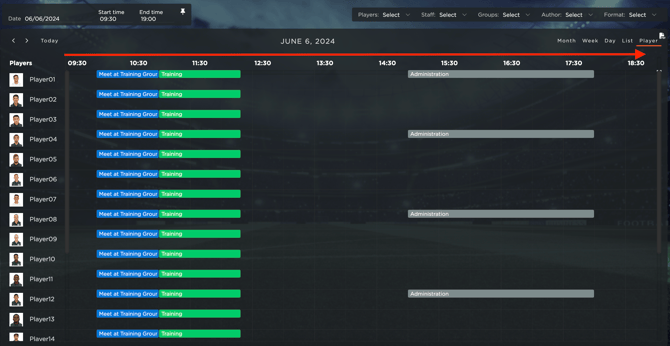
In the top right corner, you can select the start time and the end time, as well as you can click on the PIN icon, so that the system will show you ALWAYS this time range. and you will not need to filter the time-range needed everytime.