
If the information in a game event created by Wyscout is missing or incorrect, follow these steps:
-
Click the resync button within the event.
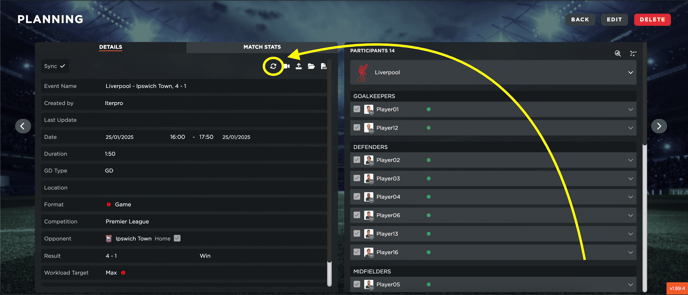
-
Delete the event and wait for Wyscout to recreate it the following day (after midnight).
Key considerations:
-
Typically, match information is shared within 24 to 72 hours after the match, depending on the competition. Player minutes and tactical data often arrive 2-3 days later.
-
If an event has an incorrect date or time and needs to be fixed urgently, we recommend manually creating the event, including the participating players. Once Wyscout updates the correct information, you can attach RPE, GPS data, or other records to the main event, and then delete the manually created event.