
DRILL CANVAS OVERVIEW & MANAGEMENT
-
0.00 access the drill canvas area
-
0.07 link or download canvases
-
0.15 view existing canvases
-
0.34 create a new drawing from scratch
BACKGROUNDS, SHAPES & TEXT
-
0.00 select the pitch background
-
0.16 draw lines and edit their properties
-
1.22 use the text tool
-
1.39 add standard or custom shapes
-
2.10 lock aspect ratio using the shift key
-
2.27 drag and drop equipment
-
2.42 add players to the pitch
-
3.05 use basic editing tools
-
3.28 group multiple elements
-
3.38 determine layer order
-
3.53 download or link the canvas
EQUIPMENT, PLAYERS & ADVANCED TOOLS
-
0.00 add equipment to the canvas
-
0.12 manage players and choose styles
-
0.23 type numbers or text inside players
-
0.56 group elements together
-
1.11 arrange layer ordering
-
1.18 name and save the canvas
-
1.24 download or link the finished drawing
FEATURE DESCRIPTION
The Drill Canvas is a specialized graphic editor designed to create high-quality tactical diagrams and exercise illustrations for any sport. These visual assets can be integrated directly into your existing exercise library or exported as external image files for presentations and scouting reports.
Managing the Canvas Library
Upon accessing the Drill Canvas, the system presents a centralized library of your existing diagrams. You can toggle between a Card View for visual browsing or a List View for organizational efficiency.
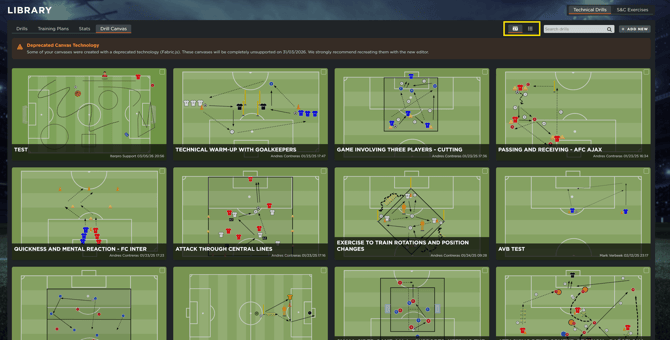
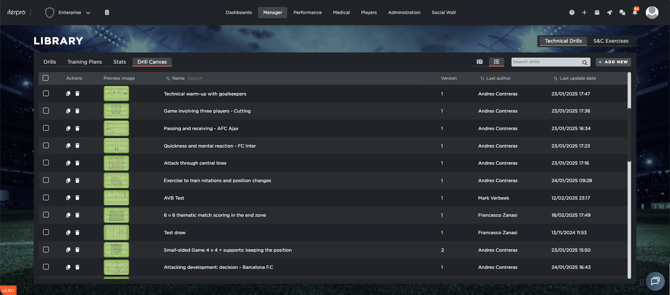
Within this interface, you have the flexibility to manage your assets by selecting multiple canvases at once to perform bulk actions, such as deleting outdated diagrams or creating duplicates to use as templates for new variations. To begin a project, simply select Add New, where you can choose to start with a blank slate or build upon a previously saved drawing.
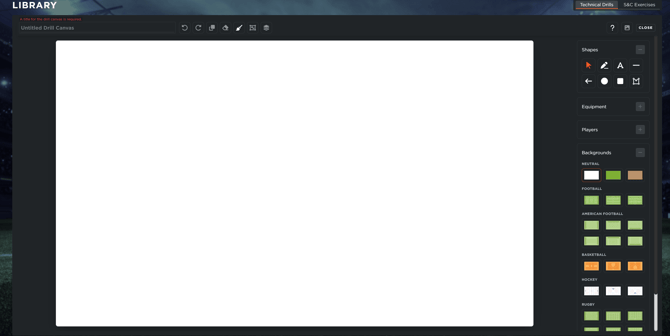
Field Selection and Initial Setup
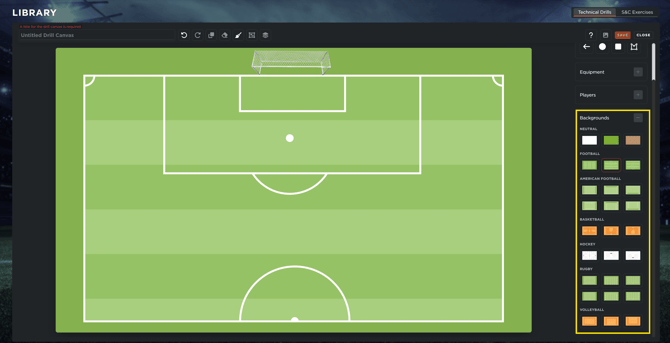
The foundation of any tactical diagram is the background. The system provides sport-specific field views tailored to the requirements of your session. For sports like football, you can select between a full-pitch view or two distinct half-pitch views depending on the direction of the play.
Shapes section
-
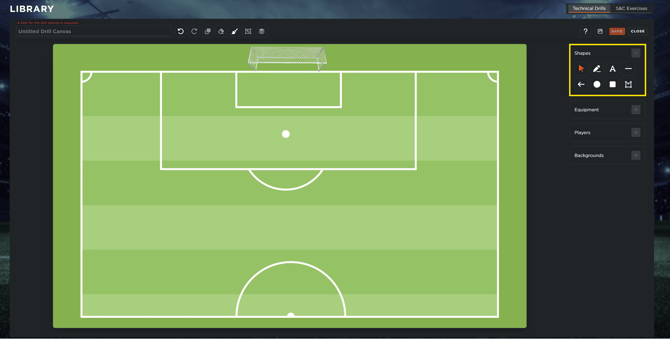
Asset Customization: Once the background is established, you can begin layering objects. The Shapes section allows you to draw manual lines, arrows, lines, squares, circles or custom shapes.
-
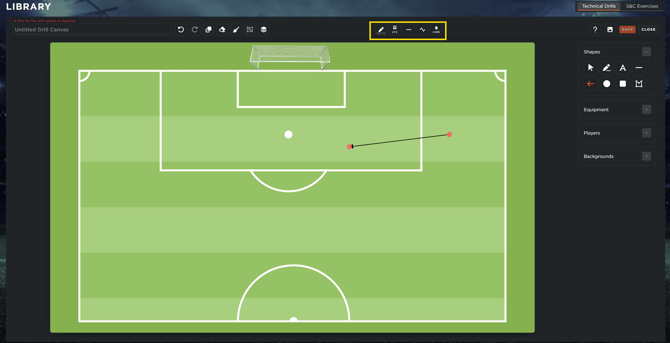
Visual Properties: For every line or arrow, you can customize the color, set the thickness, and choose between solid or dashed styles, and straight or curved path. Additionally, adjusting the transparency allows you to overlay movements without cluttering the diagram.
-
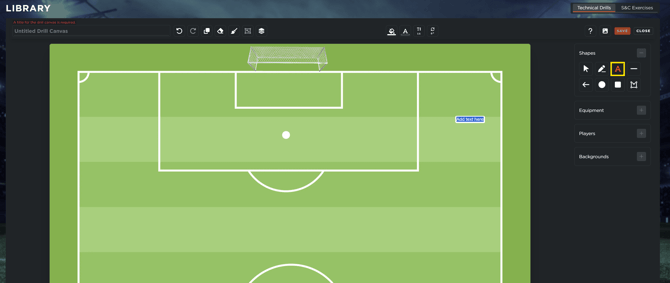
Text Tool: This allows for the addition of coaching notes, labels, or specific instructions directly onto the field. You can fully customize the font size, style, and text color, as well as the background color of the text box for better legibility.
-
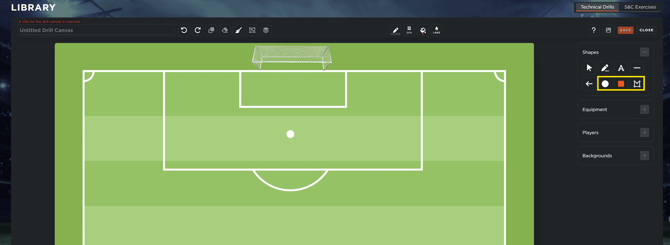
Geometric Elements: You can insert circles, squares, or custom shapes to define zones or areas of play.
-
Precision Editing: All shapes can be rotated and resized. To maintain perfect proportions (locking the aspect ratio) while scaling a circle or square, simply hold the Shift key while dragging the element.
Integrating Equipment and Players
The Drill Canvas features a comprehensive library of icons to represent the physical setup of the pitch and the participants involved.
-
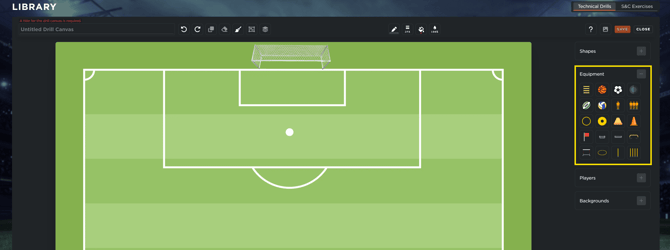
Equipment Accordion: From this menu, you can drag and drop essential items such as cones, goals, and training hurdles. Each item can be resized and rotated using the on-screen handles or the dedicated rotation icon.
-
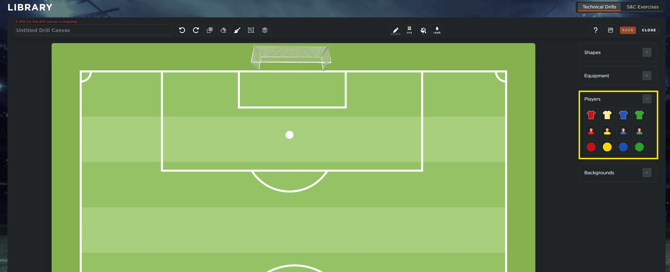
Player Representation: You can choose between three distinct styles: Jerseys, Avatars, or Dots, available in four standard colors.
Identification: Both jerseys and dots support internal numbering. Avatars offer more flexibility, allowing for the inclusion of either text labels or numbers to identify specific players or roles within the drill.
Advanced Editing and Layer Management
As diagrams become more complex, the system provides advanced tools to maintain organization and professional quality:
-
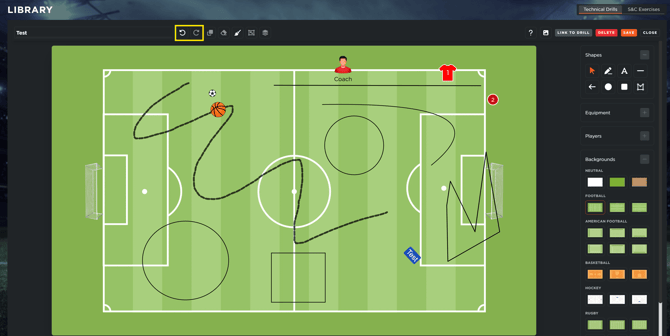
Action History: Use the Undo and Redo functions to navigate through your recent changes, or use the Clean Canvas button to start over completely.
-
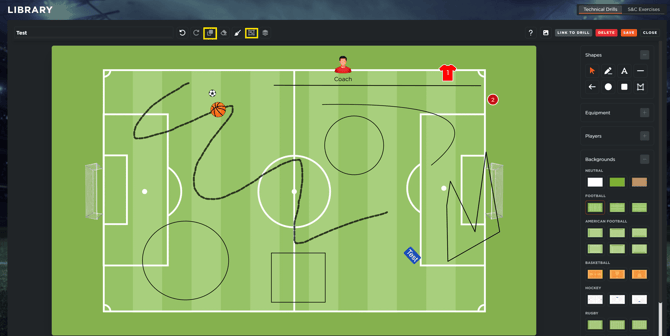
Grouping and Duplication: You can select multiple elements to group them together, making it easier to move entire tactical blocks or team formations as a single unit.
-
Layer Ordering: To manage overlapping icons, you can adjust the layer order, bringing specific elements to the Front or sending them to the Back to ensure equipment or lines do not obscure player icons.
Finalizing and Exporting
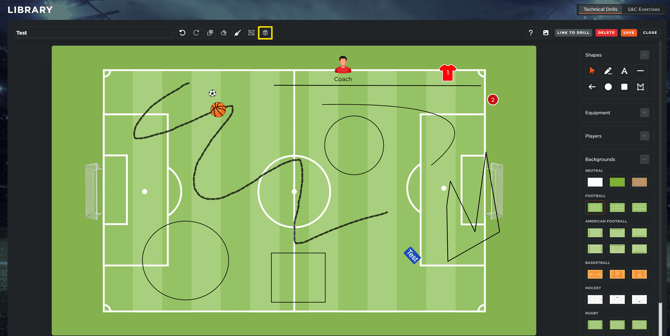
Once the tactical diagram is complete, you must provide a title for the canvas and click Save.
After saving, the diagram is fully integrated into the system. You can then choose to Download as a PNG for use in external documents or Link to an Existing Drill within your InterPro library. Linking the canvas ensures that whenever the drill is accessed in the Planning section or via the mobile app, the tactical diagram is automatically displayed for the staff and players.